Every guest in the right chair.
Lay out your tables, seat every guest, and give them a QR code to find their own seat on the day.
For weddings, galas, conference dinners and parties.
Free for your whole guest list.No per-guest fees, no trial, and no account needed to start.
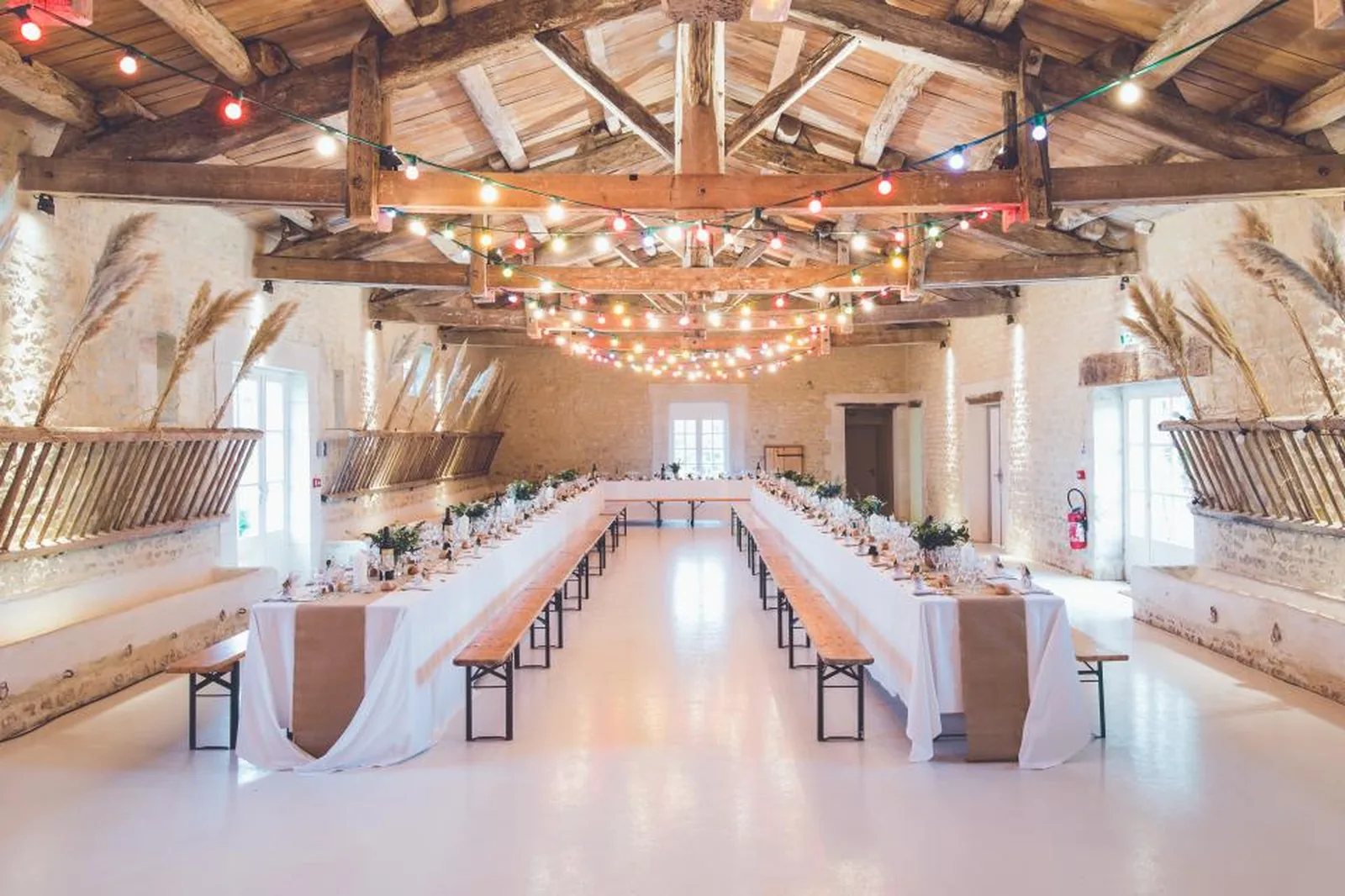
Five steps, four of them optional
Start at the top and press Generate whenever you like. Skip everything and you still come out the other side with a room laid out and every guest seated.
- 1
Name your event
A name and a date. That is the only thing you have to fill in.
- 2
Bring your guest list
Upload the spreadsheet you already keep, or paste the names in. You check which column is which before anything is imported.
- 3
Groups and rules
Who belongs together - family, work, college - and the pairs who must sit together or really must not.
- 4
Choose your tables
A head table and a dozen rounds, banquet rows, whatever the room is. Or leave it, and it is worked out from your guest count.
- 5
Generate
Everyone you placed sits where you put them. Everyone else is seated with their group, their family and away from anyone they must avoid.
A room drawn to scale
Round, rectangular and head tables at the sizes venues actually stock, with the dance floor, the bar and the stage where they really are.
Seating that knows the room
Families kept together, groups kept together, and every chair filled - or dragged into place by hand if you would rather.
Know who can't sit together
Flag the pairs who belong together and the ones who really don't. You'll see every clash long before you print.
A QR code for finding seats
No queue at the escort card table. Guests scan one code, type their name and see their table, their seat and where it is in the room.
How the QR code seating chart worksBuilt for any room
Whether you're seating 30 guests or 300, it's the same tables, the same rules and the same guest list.
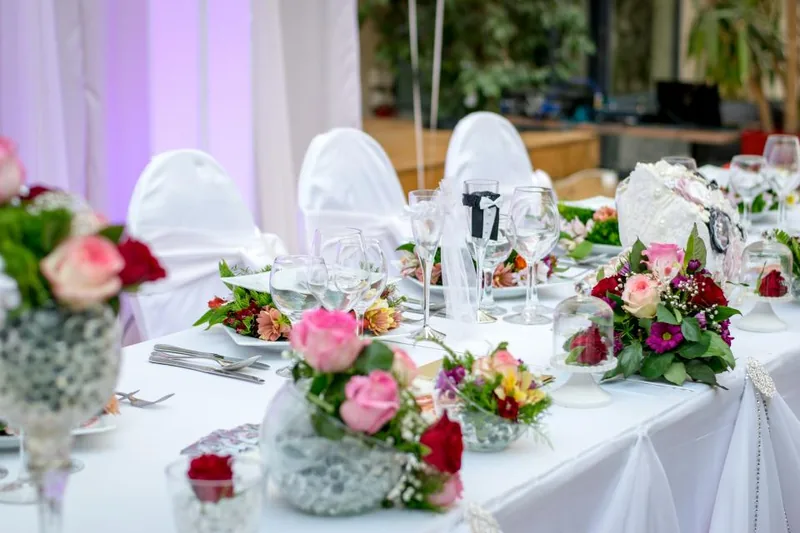
Wedding reception
A head table facing the rounds, with the dance floor left clear in the middle.
Read the guide

Corporate gala
Even rounds of ten around a stage, so every table can see the speakers.
Read the guide
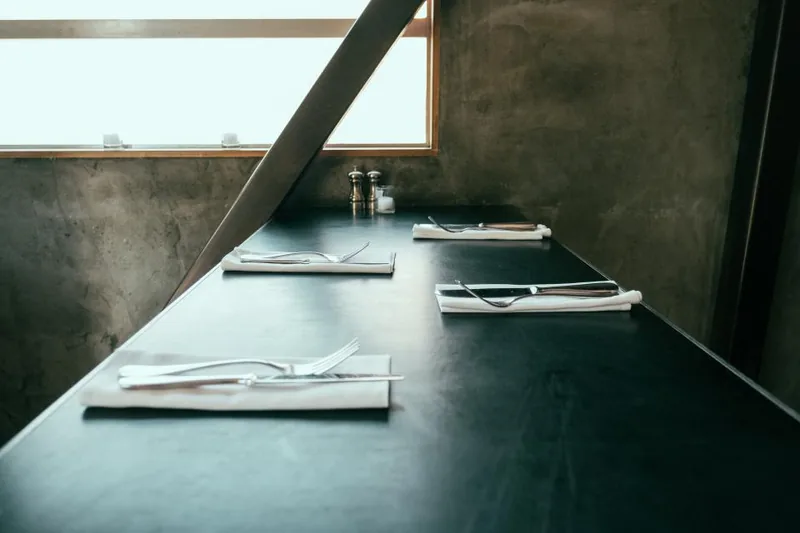
Conference dinner
Long banquet rows, for when you need to seat the most people in the least space.
Read the guide

Birthday party
A relaxed mix of table shapes around a buffet, with room to dance.
Read the guide